Whenever I am opening CS:GO, then it launches in Windowed mode (I also tried changing the Set Launch options, but still opens on Windowed) then the intro comes and it stucks at this page where Operation Broken Fang image comes!
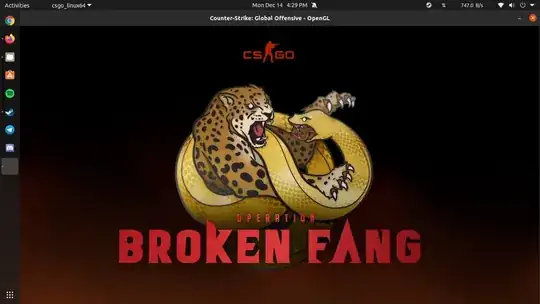
Whenever I am opening CS:GO, then it launches in Windowed mode (I also tried changing the Set Launch options, but still opens on Windowed) then the intro comes and it stucks at this page where Operation Broken Fang image comes!

I had to switch the game to fullscreen.
There is also an option to skip intro videos, so additionaly you can try add one more parameter into launch options.

The same happened to me yesterday. There is a "close" button on the right bottom, which let's you close that preview and continue to main menu. Try "Alt" + "Enter" to get to fullscreen or resize the window.


