I am a beginner. Is there any easy way to change the login screen in linux 16.04LTS? I read the other answers already to no avail. Also, I'm not able to bring another file in the backgrounds folder-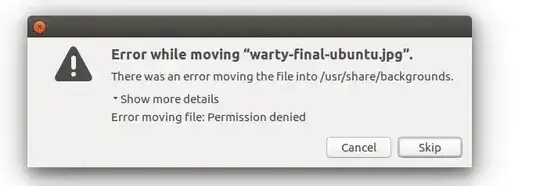 , to do that rename thing whatsoever. please help asap.
regards, J.


sudo nautilus /usr/share/backgroundsand from there copy paste and rename.. be careful by entering with terminal command..as you are accessing root folder and files. – PRATAP Jul 08 '18 at 15:05sudopowers. But to solve the login screen problem you don't need to copy your image anywhere. You simply need to point the login screen where the image already resides. See the duplicate for instructions on that. – WinEunuuchs2Unix Jul 08 '18 at 15:21